Sliderberg is a block-based image slider plugin. So, to add sliders to your web post or page, you must add the respective block to the editor. Let’s see how to do this in this documentation post.
Step 1: Open the Block Inserter Popup #
Click the plus (+) icon on the editor. Once the block inserter popup opens up, type Sliderberg in the search box.
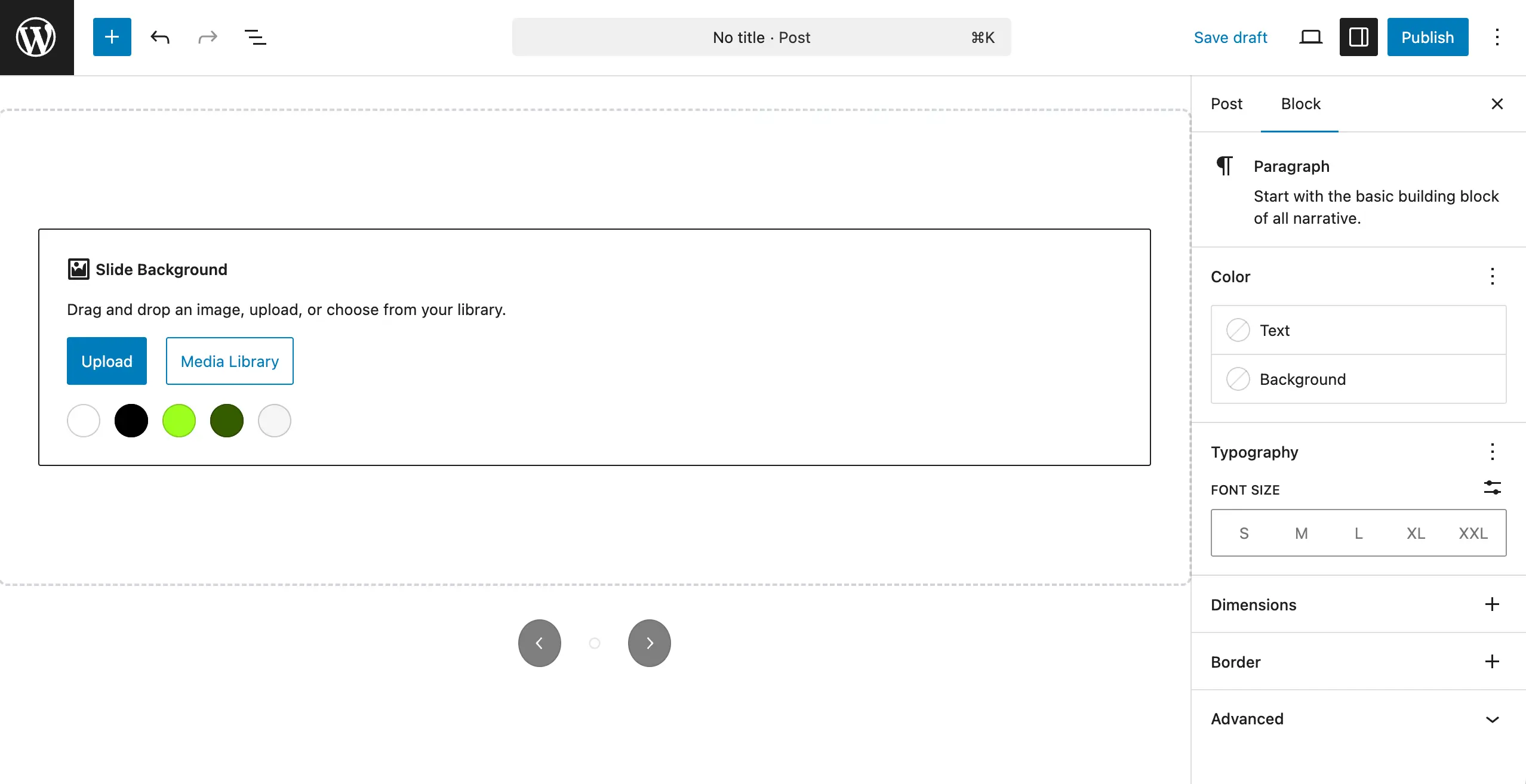
The block will appear immediately. Click on it. This will be added to the editor right away.

Once the block is added, you can add or upload images to prepare your slider.
Conclusion #
Using the Sliderberg block isn’t different than using any other block, like the image block. The only thing you must care about most is typing the block’s name accurately. Then, hopefully, you can do the rest yourself.


