
If you’ve built a well-designed slide and want to reuse its layout or structure, duplicating it saves time and effort.
Sliderberg allows you to duplicate a slide with just a click. No need to rebuild everything from scratch. Now let’s see it in action below.
Step 1: Select the Slide #
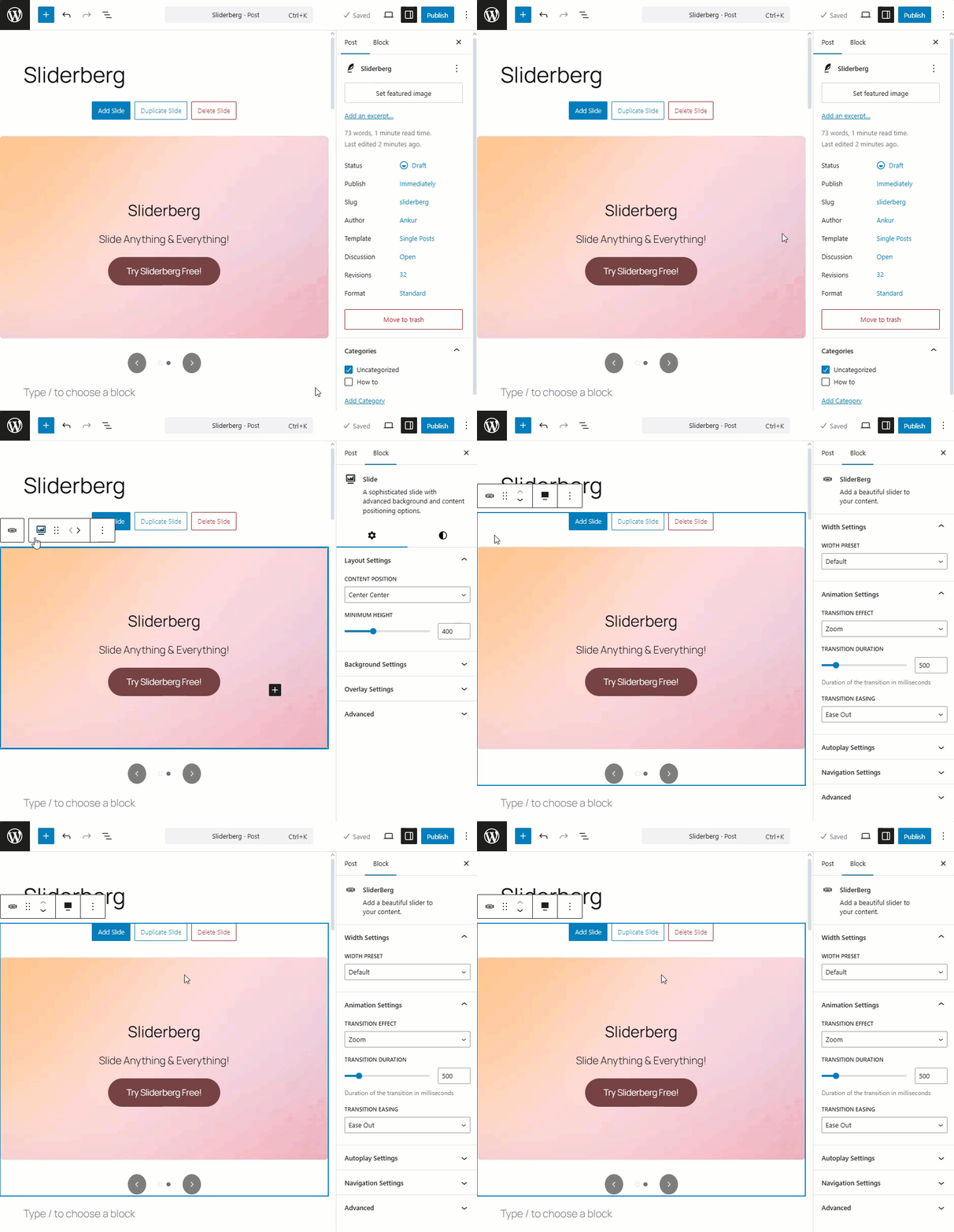
First, select the slide you want to duplicate. You can select the slide using the navigation buttons below.
Step 2: Duplicate the Slide #
Click the “Duplicate Slide” button at the top of the slide that you want to duplicate.

You will instantly see that a duplicate slide has been created in the slider. Here is the full demo below.

Conclusion #
Duplicating slides is perfect for creating consistent layouts with different content. Whether you’re building product showcases, testimonials, or banners, Sliderberg makes it fast and efficient to scale your slides with just a click.


